Case #473310
Disconnected power to mow the lawn turn back on that night and only 20pixels turn on white half way around string 5 , no other pixels come on
Current Issue
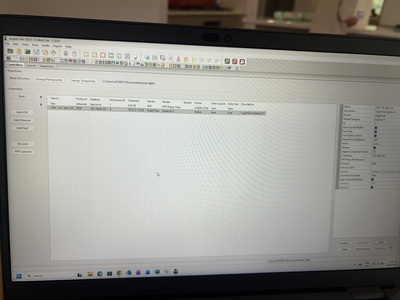
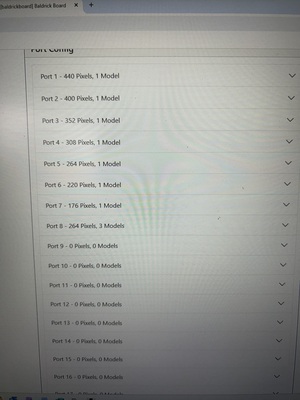
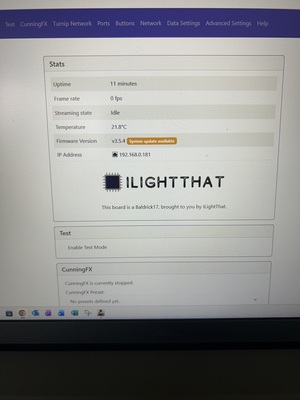
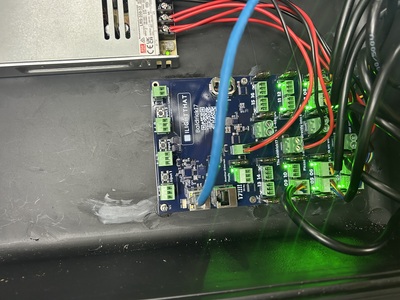
Received new board, show was working fine for 2 nights. Disconnected power to mow the lawn turn back on that night and only 20pixels turn on white half way around string 5 , no other pixels come on. Can still connect to the board at Baldrickboard.local.
What have they tried?
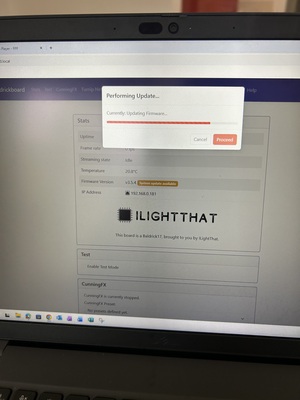
Tried just turning power on and off a few times. Rest the board with #3 button than re configure with x lights no change. Have put it in test mode (all ports 750 pixels) on Baldrickboard.local and had a multi meter on the out put/string terminals am getting 12v when in test mode. Have also tried to up date firmware but it just stops before finishing and I have to close the browser. Not sure what to try next. Cheers
Photos & Media
IMG_1247.jpeg
IMG_1246.jpeg
IMG_1245.jpeg
IMG_1244.jpeg
IMG_1242.jpeg
IMG_1248.jpeg
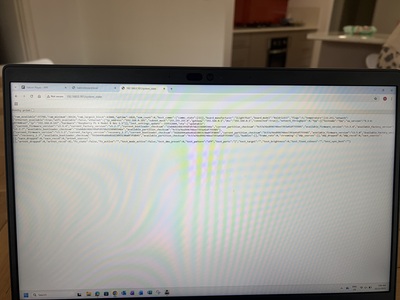
Baldrick Board System State
Have included this in photos
Affected Boards
Case Details
Peter Duffy
4/10
I still have to google which end of the pigtail to plugin
Sunday, December 21, 2025
at 11:00 PM
System Information
3.5.4
V9.3-4-g
2025.13
Windows
Possible Solutions

ChatBotDom suggests
Lights stay on after show finishes
Sometimes pixels will stick to the last data signal they receive, there are two ways of fixing this.
If you are using FPP, then go to FPP settings > UI > Switch to Advanced Level UI then go to Playback and tick Blank between sequences [ ] this will make sure that off is being sent to all pixels in between sequences.
You can also do the same using Baldrick Directly by creating a CunningFX of a colour splash which is just blank and setting that to automatically start when the Baldrick boots up.
Test Mode outputting wrong pixels
The test mode defaults differ depending what ports you have configured on the board
If there are no models on the board then we will default to lighting up the first 50 pixels per port
If there are models, we will default to lighting those up.
Once enabled you can easily switch to another mode
Unable to connect to board
Whilst this might be out of my power to solve, double check that the power cables are thick enough for the controller, that the ethernet is going to a router or switch. (The Baldrick won't work connected directly to the computer if it doesn't have a DCHP server).
If that doesn't work swap out the ethernet cables are those things can be finicky, take a look at the ethernet power, both lights green and orange should be flashing.