
With more of our customers using Baldrick Boards for everything from house outlines, light art installations and commercial buildings, we needed a way to generate effects without the need for a show player.
OverviewIntroduction
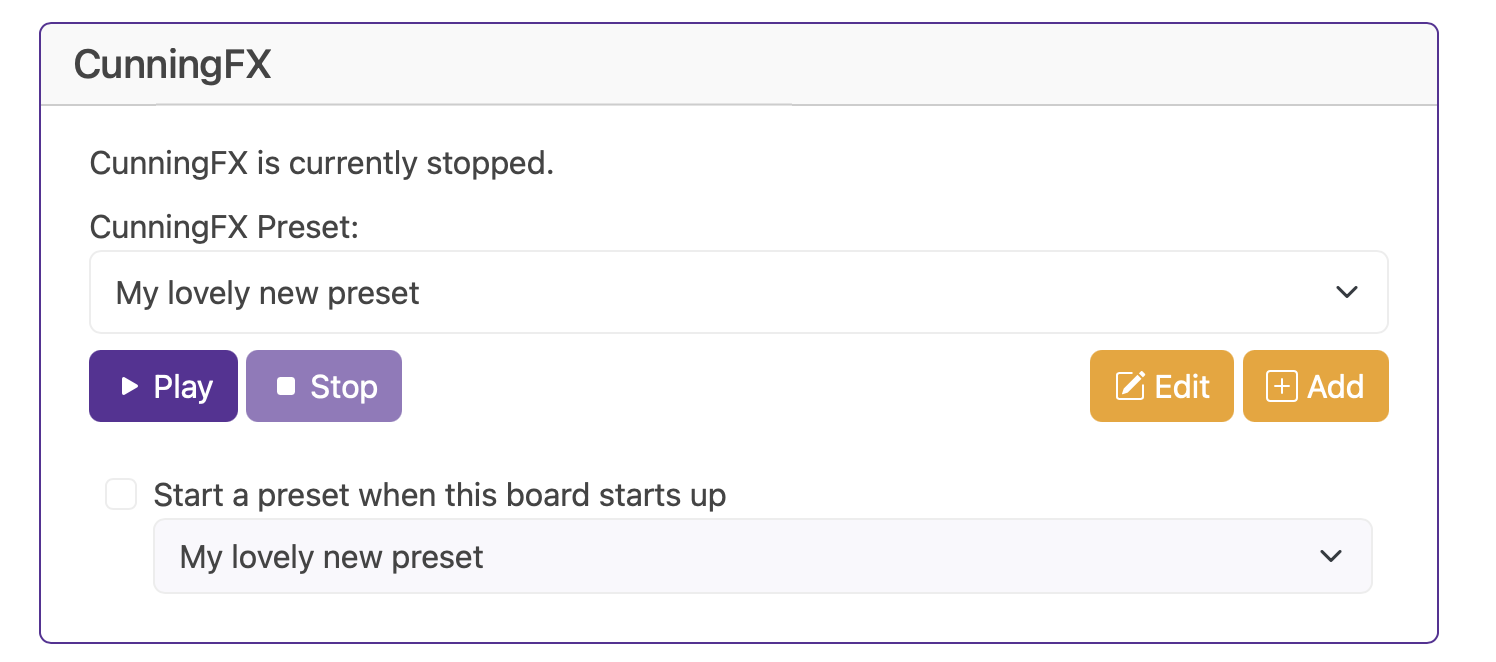
LayersPresets
Presets are collections of effects that run at the same time. They work like layers in an image editor — effects are stacked from top to bottom, and the one on top always takes priority. This means you can apply several effects to the same set of pixels.
For example, if you were lighting the outline of a room, you might use a base effect to give everything a single colour, then place another effect on top to highlight the doors.
Building blocksEffects
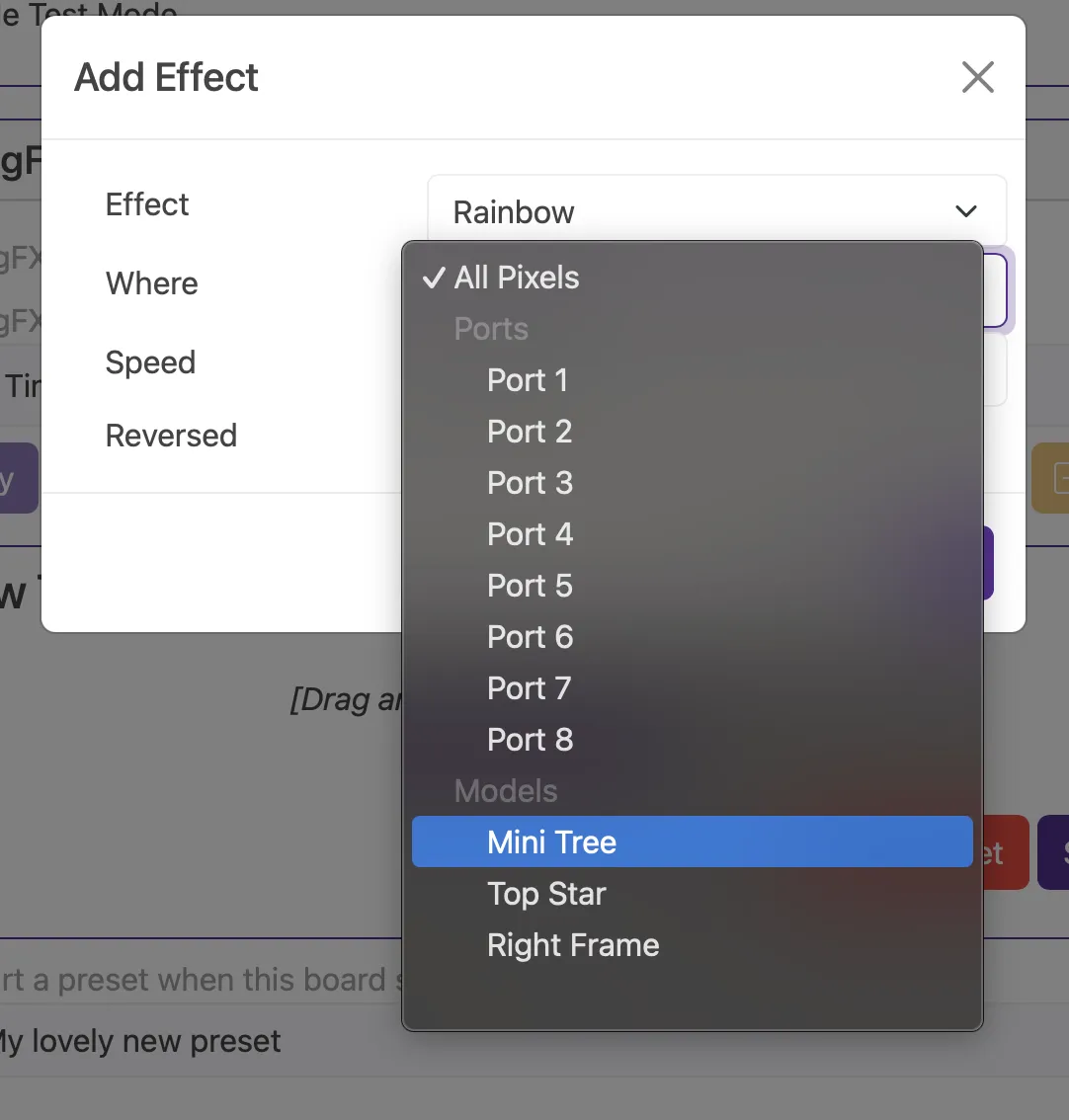
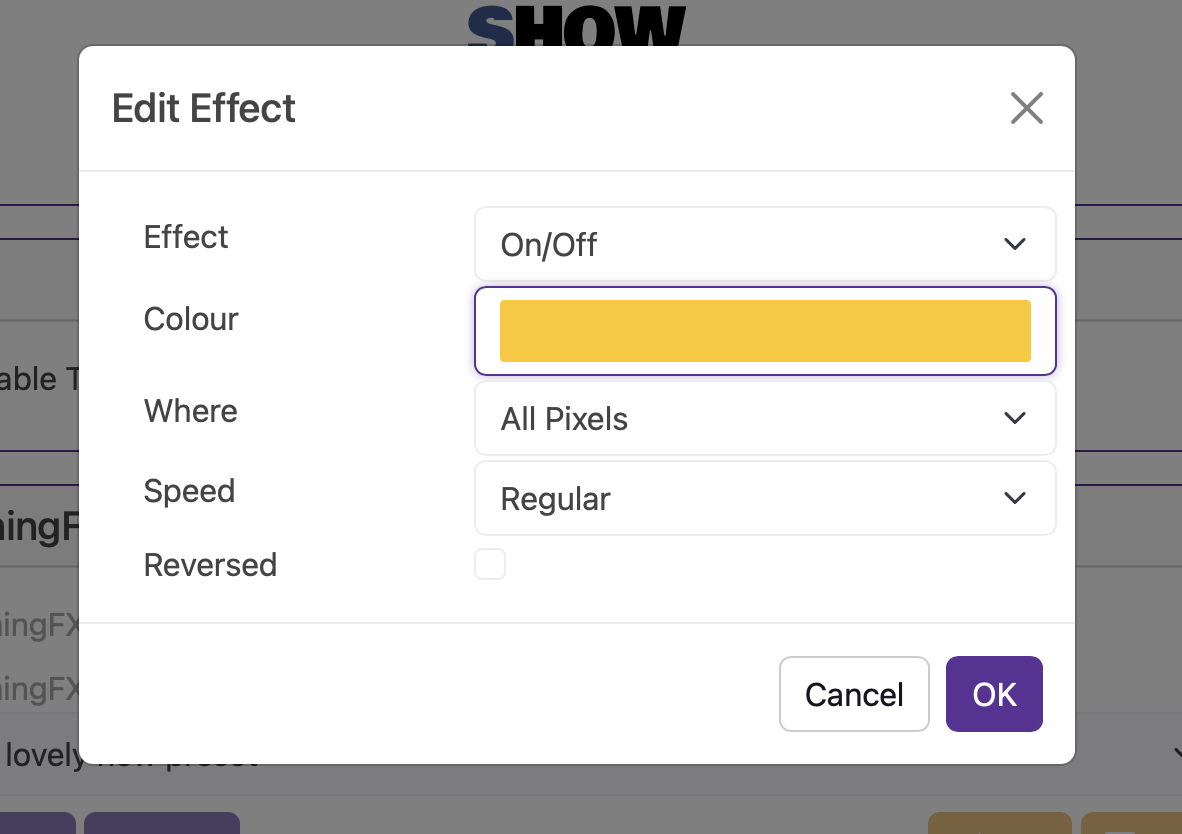
Effects are the building blocks of CunningFX. You can attach an effect to either the whole controller, a port or a single model. Most effects will have modifiers such as Colour, Speed and Reverse which change the colours, the speed and reverse the effect.
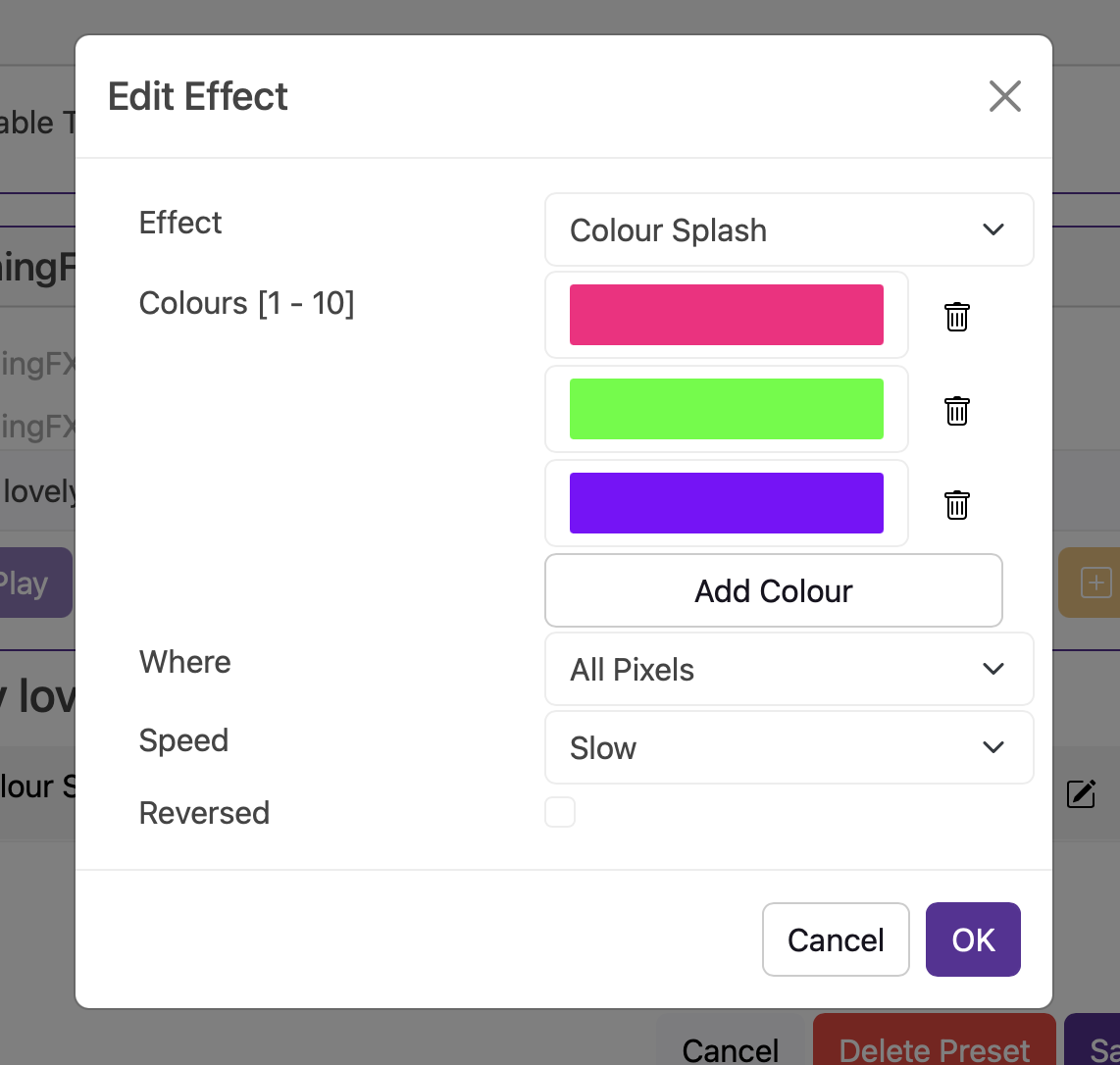
Colour Splash
Colour splash rotates throughout the selected colours evenly fading between each one starting at the top and going down the list.
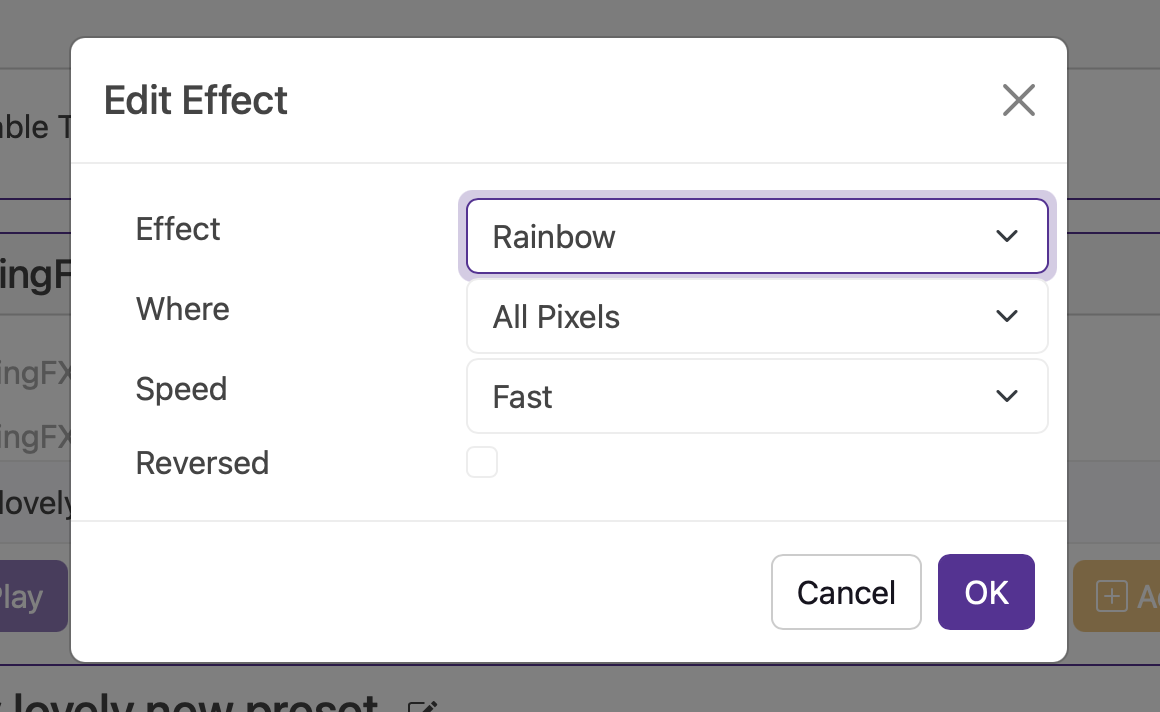
Rainbow
A rainbow effect smoothly cycles through red, orange, yellow, green, blue, indigo, and violet, blending each hue into the next to create a continuous, mesmerising loop of shifting colours.
Twinkle
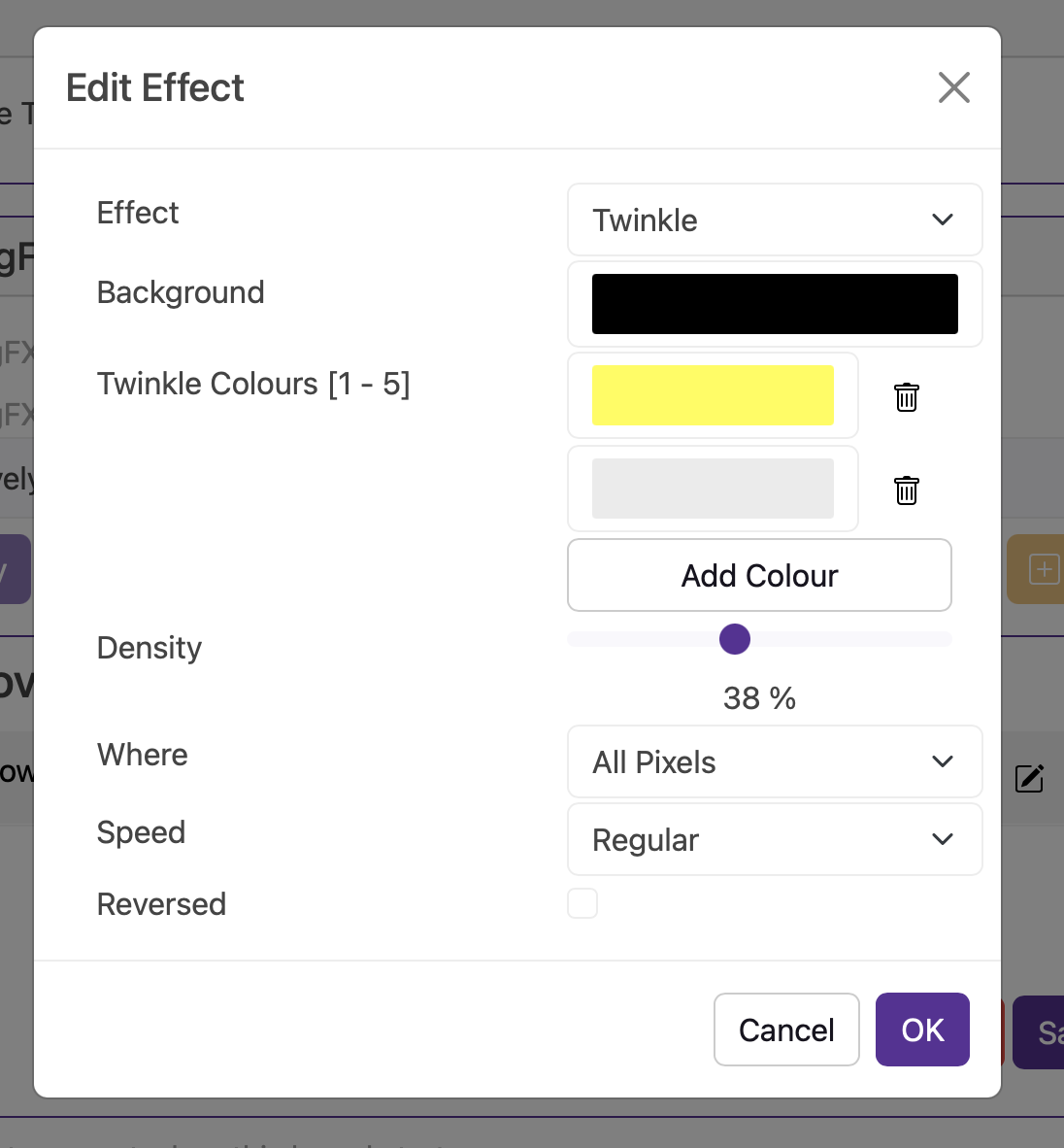
You can select a background colour for the pixels and up to five colours to twinkle against that wonderful background colour you've chosen (we recommend black but you do you).
Bounce
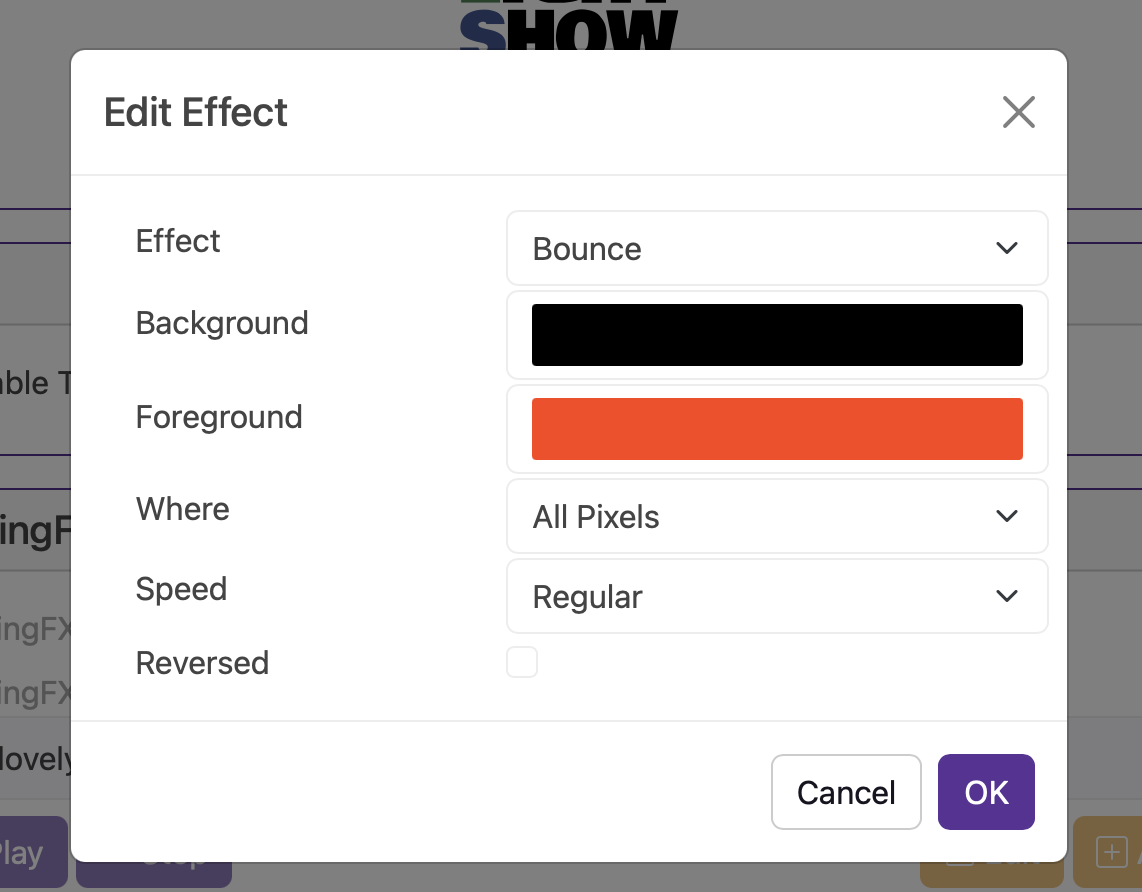
The pixels will light from one side of the string to the other — imagine a game of pong but in 2D and you can neither win nor lose.
Alternate
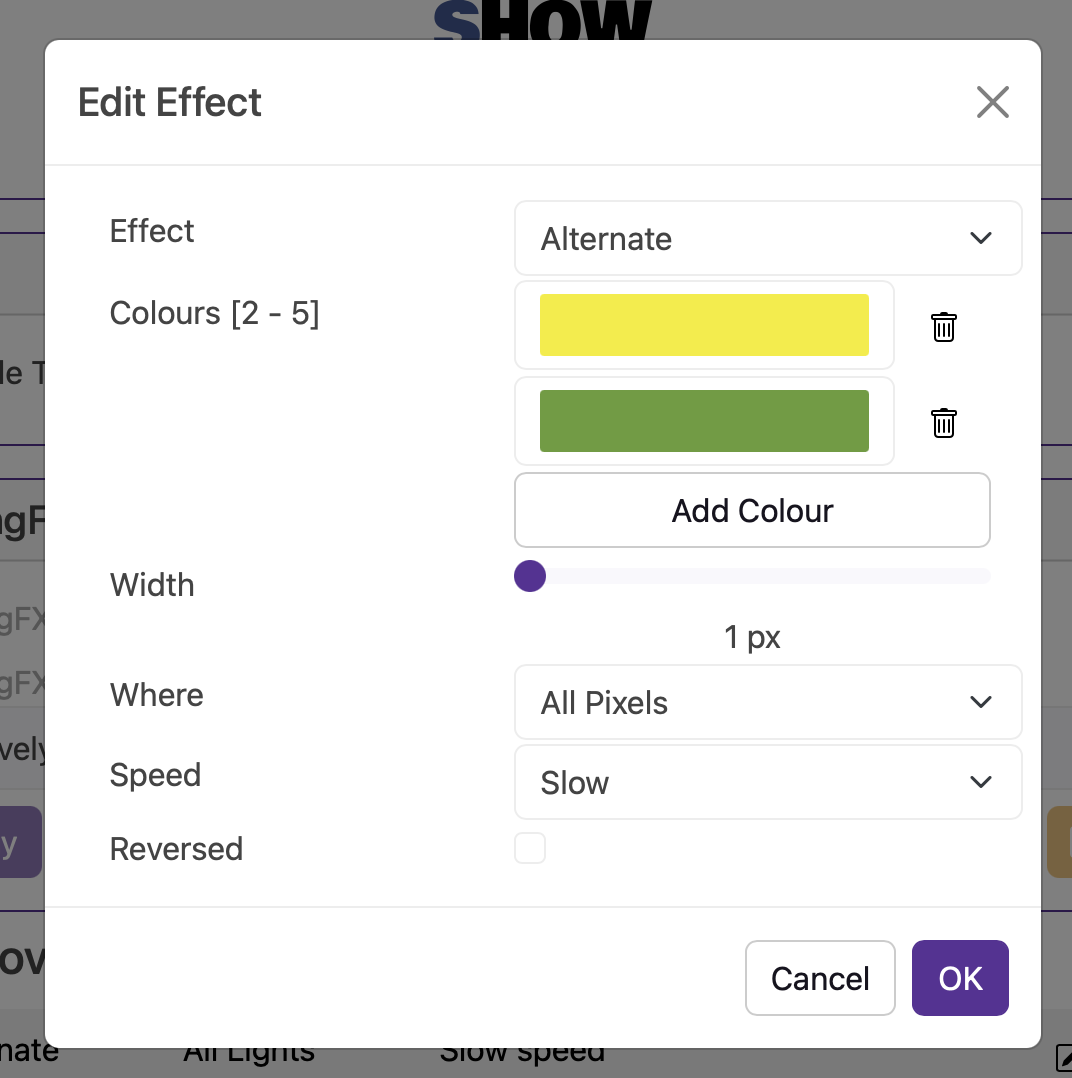
Imagine a Can-Can of pixels that you can choose up to five colours and have them as large as you'd like.
Fader
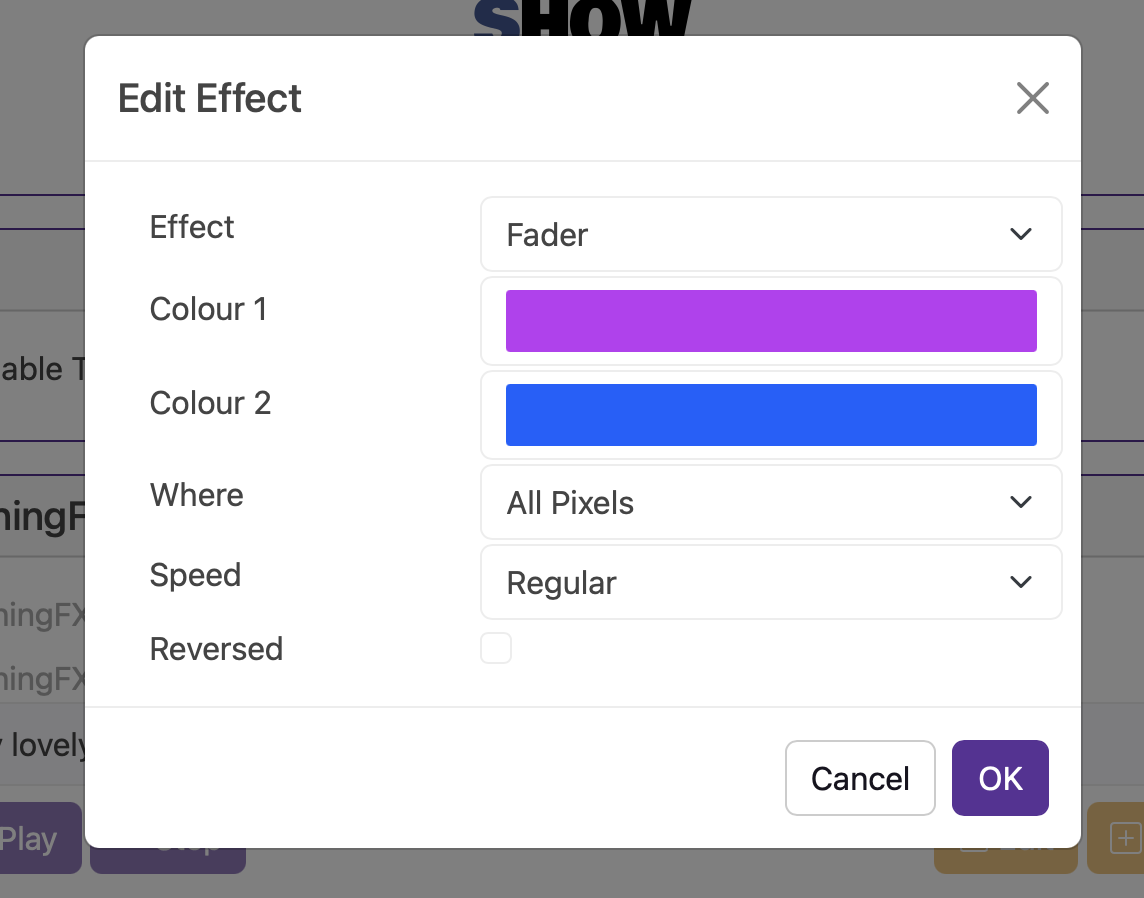
Fades smoothly between two colours.
On / Off
Imagine the fader but with one colour and not fading — yeah it goes on / off / on / off.
IntegrationTurnip Network integration
CunningFX can be activated over the Turnip Network so your Input1 and Baldrick8 buttons can toggle presets.