Case #584557
Network does not react to router, pc or laptop. Not possible to connect or setup board
Current Issue
Network does not react to router, pc or laptop. Not possible to connect or setup board.
What have they tried?
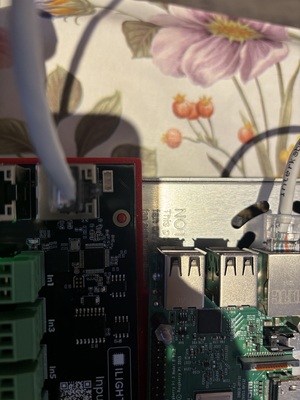
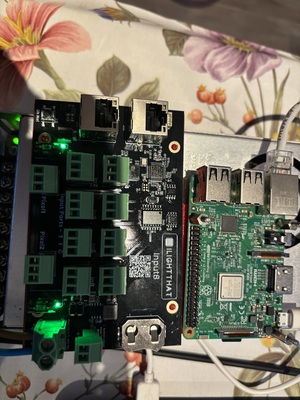
2 leds left and right work fine. Fuses are okay. No reaction to network or communication Ports.
Photos & Media
IMG_6148.jpeg
IMG_6147.jpeg
Affected Boards
Case Details
Kenny Dhoker
7/10
I once went 5 days without crashing xLights
Monday, January 12, 2026
at 07:20 PM
System Information
/
9.4
2025…
Windows
Possible Solutions

ChatBotDom suggests
Unable to connect to board
Whilst this might be out of my power to solve, double check that the power cables are thick enough for the controller, that the ethernet is going to a router or switch. (The Baldrick won't work connected directly to the computer if it doesn't have a DCHP server).
If that doesn't work swap out the ethernet cables are those things can be finicky, take a look at the ethernet power, both lights green and orange should be flashing.
Lights stay on after show finishes
Sometimes pixels will stick to the last data signal they receive, there are two ways of fixing this.
If you are using FPP, then go to FPP settings > UI > Switch to Advanced Level UI then go to Playback and tick Blank between sequences [ ] this will make sure that off is being sent to all pixels in between sequences.
You can also do the same using Baldrick Directly by creating a CunningFX of a colour splash which is just blank and setting that to automatically start when the Baldrick boots up.
Port not working
If a port isn't working, try swapping the phoenix connector from a working port to that port then enabling test mode selecting ALL 750 pixels per port.
normally this is a pigtail which hasn't quite being screwed in enough or that port hasn't been configured with pixels in xLights so go to the controller and click Upload Outputs